Product Information
Fecurity Counter-Strike 2 Cheat
Dominate the competitive ladder and secure every round with the highly advanced Fecurity menu for Counter-Strike 2. Whether you are holding down a bomb site, pushing through dense smokes, or clutching a tense post-plant situation, this powerful tool provides the exact tactical assistance you need to outplay the enemy team and climb the premier ranks.π― Precision Aim and Spray Control
Win every crucial aim duel and entry frag with absolute confidence. The highly customizable aiming assistance allows you to define specific aiming points, adjust your maximum aiming speed, and fine-tune your settings to perfectly match your playstyle. The tool actively calculates bullet ballistics and recoil, ensuring your crosshair stays locked on target even during intense spray transfers with any weapon.ποΈ Tactical Awareness and Utility Detection
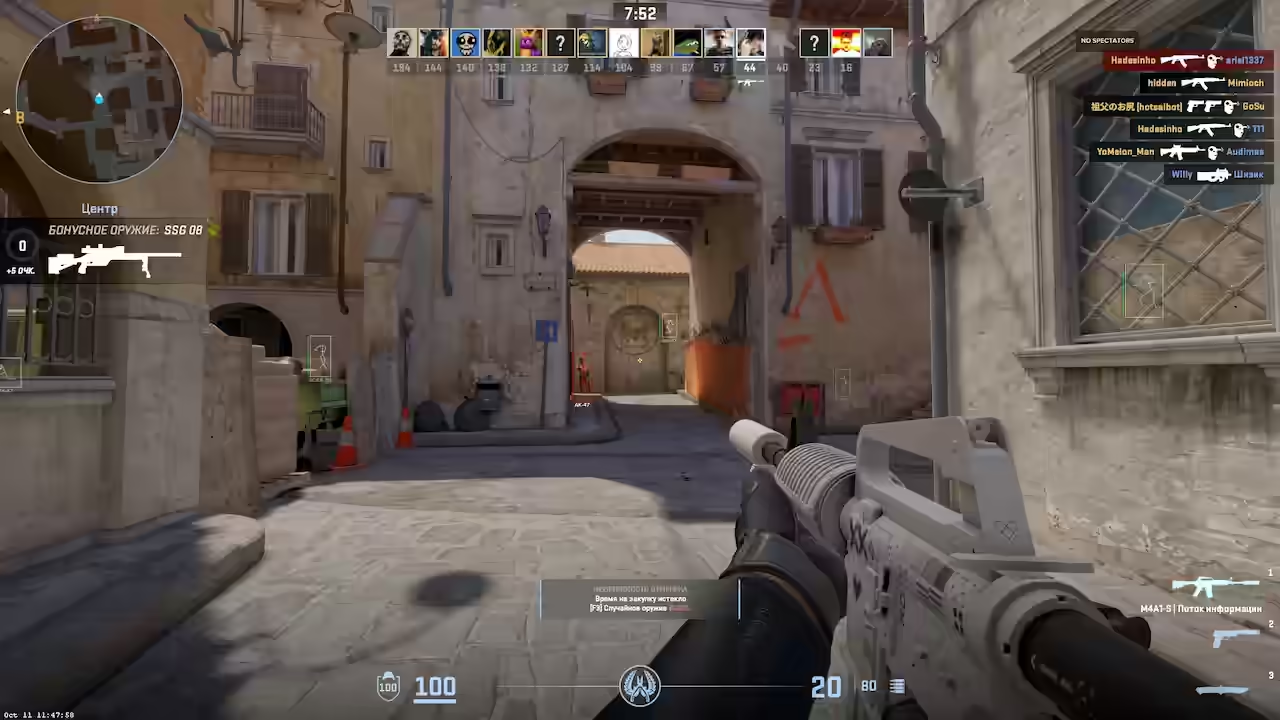
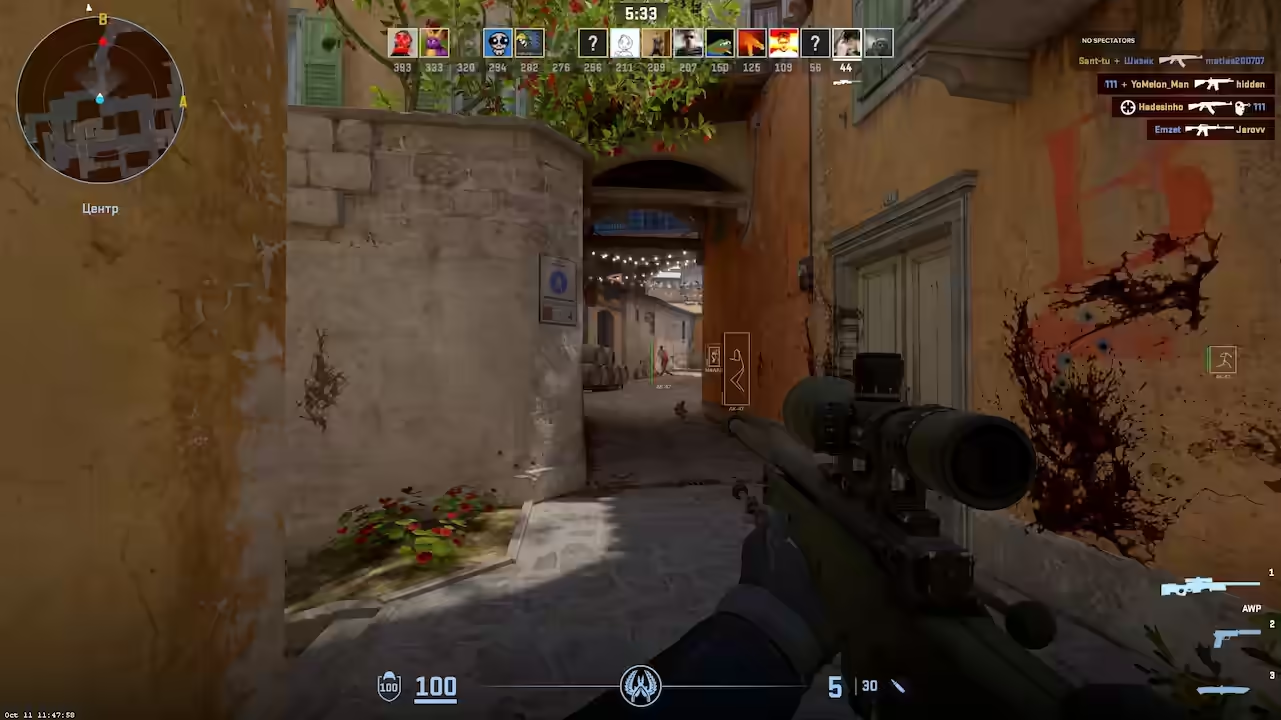
Never get caught off guard by a flanking enemy or an incoming grenade. The advanced ESP instantly detects enemy positions, circling hostile targets in various customizable ways so you can easily track them through walls and smokes. By utilizing intelligent RAM reading algorithms, the tool also extracts hidden game data to display precise numbers, exact distances, and vital health or armor stats right above your opponents.π¦ Weapon and Objective Tracking
Always know exactly where the most valuable economy assets are located to optimize your loadout. This solution automatically searches for and highlights crucial objects resting on the ground across the entire map. You can effortlessly locate high-tier dropped weapons, essential utility, defuse kits, and the all-important C4 explosive, giving you complete control over the objective.Frequently Asked Questions
Cheaters' Questions? We've Got Answers!What makes Fecurity stand out compared to other CS2 cheats?
Fecurity is built around tactical awareness rather than raw aimbot aggression. Its standout feature is the RAM-reading ESP system that extracts hidden game data to display precise distances, health, armor stats, and enemy positions with numerical accuracy - not just colored boxes. On top of that, the Weapon and Objective Tracking automatically highlights high-value dropped weapons, defuse kits, and the C4 across the entire map. This gives you complete economy and objective control that goes beyond what most cheats provide, making it especially strong for competitive Premier and matchmaking where round economy decisions matter as much as gunfights.
How does Fecurity's aimbot handle bullet ballistics and recoil?
Fecurity's aimbot actively calculates bullet ballistics and recoil in real time, meaning it compensates for the spray pattern of each weapon dynamically rather than applying a static recoil correction script. This is particularly noticeable during spray transfers - the crosshair stays locked on target through the full burst rather than drifting after the first few bullets. You can define specific aiming points (head, chest, etc.) and set your maximum aiming speed, giving you granular control over how aggressively or subtly the aimbot assists. The system is tunable enough to look completely human at conservative settings while being highly effective at aggressive values.
What plan makes the most sense to start with on Fecurity?
Fecurity is available in three plans: 1 Day at $3.49, 2 Weeks at $5.99 (marked 88% OFF compared to daily pricing), and 1 Month at $11.99. For a first purchase, the 2 Weeks plan offers the strongest price-per-day value and gives you enough time to properly evaluate the software across multiple sessions and map types. The 1 Day plan is useful if you want a single test session to verify compatibility with your hardware before committing. The 1 Month plan makes sense once you've confirmed the software suits your playstyle and hardware configuration.
Does Fecurity work on both Competitive and Premier matchmaking?
Yes - Fecurity works across all standard Valve matchmaking modes including Competitive, Premier, Wingman, and Deathmatch. The ESP and aimbot features function identically across all modes. For Premier specifically, where behavioral monitoring is tightest, using conservative aimbot settings (higher smoothness, narrower FOV) is recommended to keep your stat progression looking natural. Fecurity's grenade and utility detection features are particularly useful in Premier where rotation timing off bomb intel is a major skill differentiator.
Is Fecurity safe to use on an account I want to keep for the long term?
Fecurity operates externally - it reads CS2 memory from outside the game process without injecting code into CS2.exe, which significantly reduces VAC detection exposure. The primary risk on a long-term account is behavioral: Valve tracks stat progression over time, so using very aggressive settings on an account with years of average performance will stand out. With legit settings (moderate smoothness, 70-80% recoil control, narrow FOV), Fecurity's impact looks like natural skill improvement. Many players maintain Fecurity on main accounts long-term by keeping their performance progression gradual and avoiding plays that are only possible with wallhack information.
What should I do after a CS2 update to make sure Fecurity still works safely?
After any CS2 patch, check the product status page before launching Fecurity. If the status shows 'Updating', the development team is pushing offset fixes - do not run the loader against the patched game until status returns to 'Undetected'. Running an outdated version after a game update is the most common cause of detection. The GCS Cheats Discord announcements channel posts real-time status updates immediately when a CS2 patch drops and again when the fix is live. Always re-download the latest loader version when returning after an update window, as Fecurity may push a new executable alongside the offset patch.
How do I configure Fecurity's overlay appearance so it doesn't distract during play?
Fecurity's ESP overlay is fully customizable - element visibility, colors, and font size can all be adjusted through the in-game menu. For minimal distraction in competitive play, experienced users typically enable skeleton ESP over boxes (less visual bulk), set health bars to appear only when below 80% HP (reducing constant on-screen clutter when enemies are at full health), and use muted colors rather than bright primary reds and greens that draw the eye constantly. Distance text can be disabled if you don't use it for engagement decisions. The weapon and objective tracking overlays are most useful when positioned at the edge of your screen rather than center-frame. Fecurity's menu is accessible mid-game with a configurable hotkey, so you can adjust colors and element visibility on a per-map basis if you find certain overlay configurations work better on darker maps like Nuke or Overpass versus bright maps like Dust2.
Why choose GCS?
Premium Experience
Enhance your gaming performance with the best customizable tools. GCS Cheats provides the best aimbot, ESP, and wallhack cheats designed to give you the absolute competitive edge you need instantly.
Supported Games
We support over 30 multiplayer games across FPS, Battle Royale, and Survival - our configs are expertly tailored for flawless triggerbot, no recoil, and radar across all titles, updated after every patch, for all skill levels.
Undetected & Secure
We prioritize strict account security. Our unique, advanced kernel-level and driver-based bypass methods keep your account completely safe whether you prefer subtle legit play or HVH rage settings, with stream proof support included.