GCS Cheats logo GCSCHEATS
CS2 cheat software menu open with aimbot settings configured
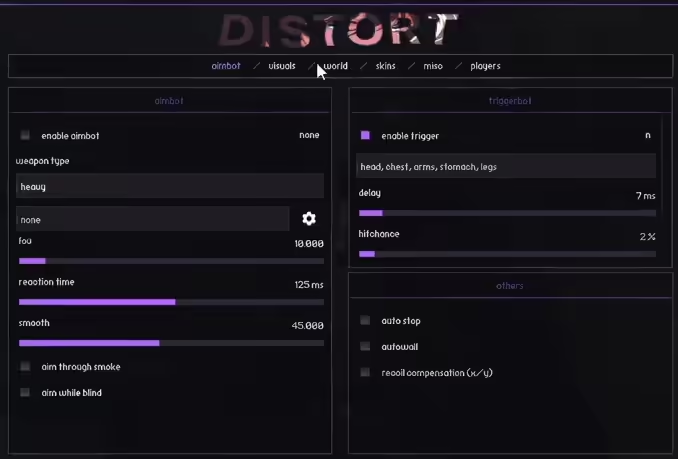
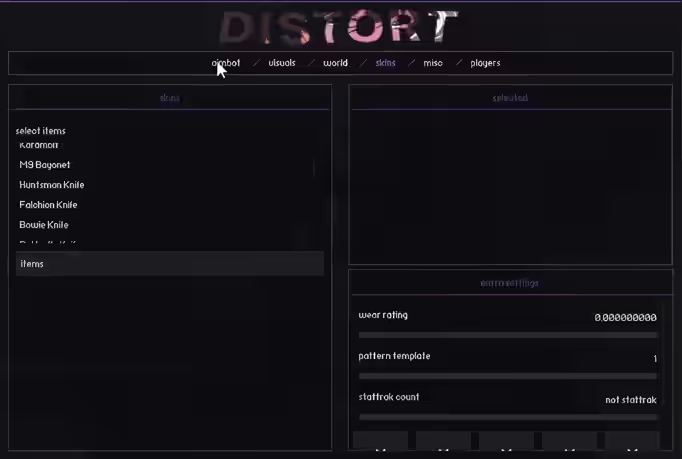
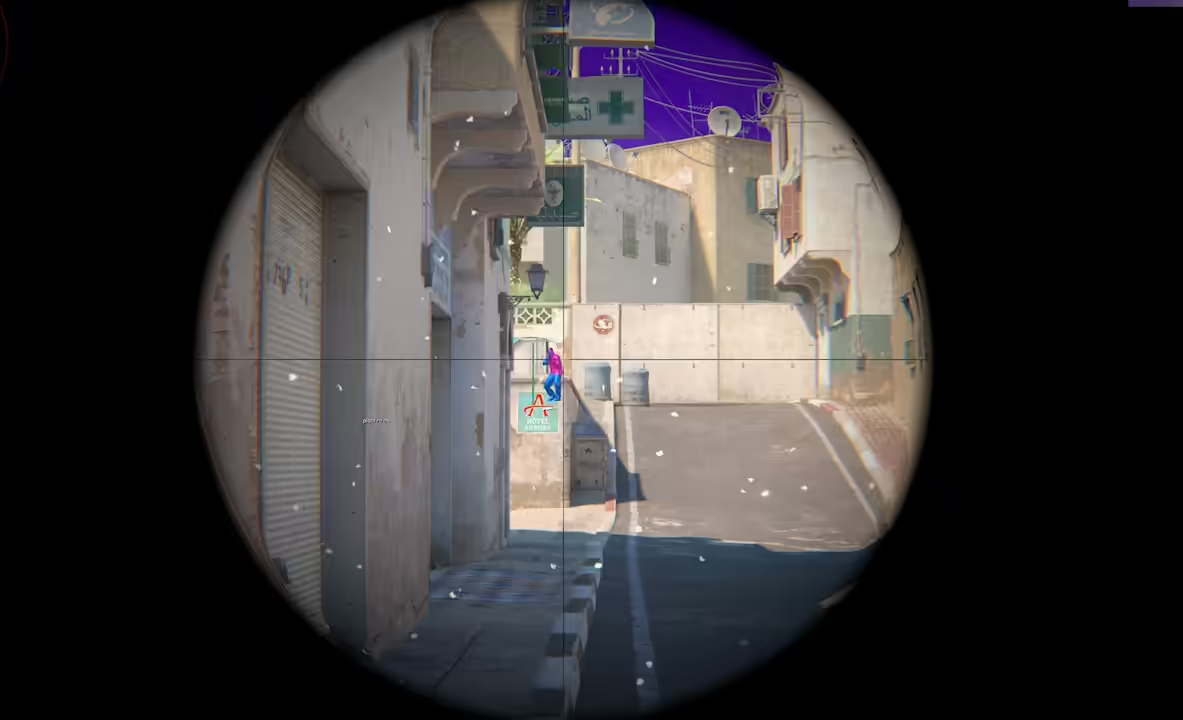
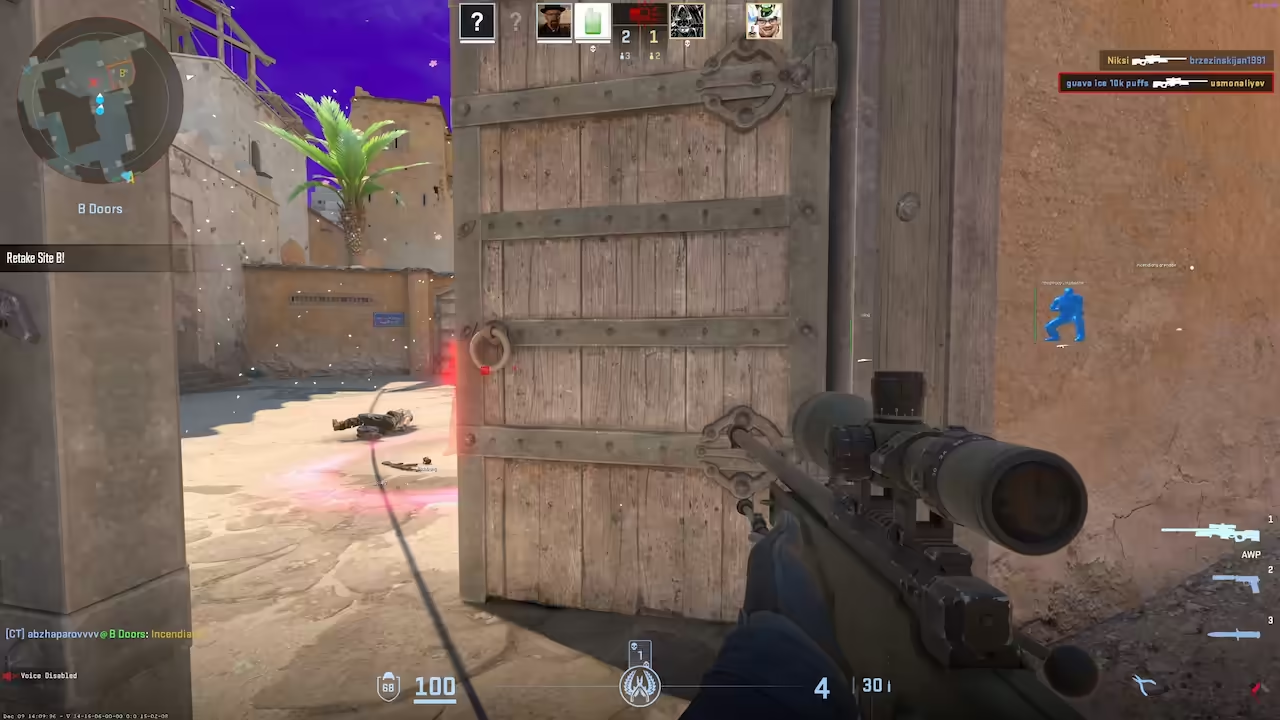
CS2 cheat software menu open with aimbot settings configuredDistort Internal CS2 cheat menu showing triggerbot settings tab with delay and activation key optionsDistort Internal CS2 in-game screenshot with recoil control compensation pattern for M4A4 and AK-47 visibleminimap radar overlay showing all player positions feature active during Counter Strike 2 gameplayscreenshot showing skin changer interface with knife model and glove selection configuration options

Distort Internal CS2

4.8 (139 reviews)

UNDETECTED PREMIUM INSTANT DELIVERY

Choose a subscription plan

πŸ”’ Secure Checkout & Instant Access

Product Information

Distort CS2 Internal Cheat - 1 Month

Distort is a high-performance CS2 internal cheat built for players who want a mix of legit play and semirage capabilities. It features a clean menu, beautiful visuals, and deep optimization to ensure you stay at the top of the scoreboard without losing FPS.

🎯 Aimbot & Triggerbot

The Aimbot comes with individual configs for every weapon type. It features a powerful Wallbang (Auto-fire through walls) and Autostop to secure kills on enemies behind cover. For a more legitimate playstyle, you can fine-tune the Recoil Control (RCS) and Minimum Damage settings, making your spray patterns look natural while keeping your shots deadly.

πŸ‘€ ESP, Wallhack & Free Skins

Dominate the match with clean Visuals. The Wallhack (ESP) clearly shows enemy Skeletons, Health, and held weapons through obstacles. The best part is the built-in Skin Changer and Inventory Changerβ€”you can equip any Knife, Glove, or weapon skin instantly for free, without spending a dime on the Steam Market.

🎨 Map Visuals & Weather

Tired of the default map look? You can completely change the game's atmosphere. Use the Skybox Changer to alter the sky or enable World settings to play in night mode or add weather effects like rain and snow. It also includes custom Kill Effects and Particle changers to make every frag more satisfying.

πŸ› οΈ Bunnyhop, Movement & Misc

Move like a pro with the Auto-Bhop and Edge Jump features, making map traversal fluid and fast. The Misc tab is packed with useful tools like Auto Accept for matchmaking, a Spectator List to see if admins or players are watching you, and custom Kill Sounds. You can toggle these features on the fly to adapt to the match.

βš™οΈ Compatibility & Security

Distort works flawlessly on Windows 10 and 11, supporting both Intel and AMD processors. As an internal software, it injects directly into the game for the smoothest possible experience with zero input lag. It uses a secure bypass method to keep your account safe from detection while you climb the Premiere ranks.
Compare Alternatives

See how this product stacks up against similar options

Cheat Features

Frequently Asked Questions

Cheaters' Questions? We've Got Answers!

What is Distort Internal and how does it differ from Distort External?

Distort Internal injects directly into the CS2 game process, giving it more direct access to game data compared to the external version. This translates to more precise ESP positioning (less interpolation lag on fast-moving targets) and more reliable Wallbang detection since the internal version reads penetration data from inside the process rather than inferring it externally. The trade-off is higher VAC exposure - VAC primarily scans the CS2 process, so an injected module is within its scan scope. For dedicated semi-rage accounts where you're willing to absorb more detection risk in exchange for raw performance, Internal is the better choice. For main accounts you want to preserve long-term, External is recommended.

How does the per-weapon aimbot configuration work in Distort Internal?

Distort's aimbot maintains separate configuration profiles for each weapon category - rifles, pistols, snipers, SMGs, and heavy weapons each carry their own smoothness, FOV, RCS percentage, and target bone selection. When you switch weapons mid-round, the aimbot automatically applies the correct profile without any manual input. This is particularly important for CS2 where weapon switching is common: the tight settings appropriate for an AWP on a long-range angle are completely wrong for a close-range P90 spray, and per-weapon profiles solve this automatically.

What does 'clean menu and beautiful visuals' mean in practice for Distort?

Distort emphasizes visual quality in its ESP output - the overlay elements (boxes, skeletons, health bars) are rendered with antialiasing and smooth color transitions rather than the rough pixel overlays common in older or lower-quality cheats. Clean visuals matter for two reasons: they're less visually jarring during play, which helps you make better decisions using the information without the overlay distracting you, and they're less conspicuous in stream footage or screenshots where rough overlay rendering is an obvious tell. Distort's menu itself follows the same principle - organized, readable, and fast to navigate during mid-match adjustments.

Can Distort Internal be used effectively for semi-rage without looking obvious?

Distort's semi-rage configuration is its sweet spot. The Autostop feature (automatically counter-strafing to achieve full accuracy before firing) combined with Minimum Damage filtering (only shoots when the hit will register meaningful damage) produces a playstyle that looks like a player with extremely good timing rather than a bot. Keeping RCS at 85-90% rather than 100% leaves a slight, natural-looking spray deviation. This combination - Autostop + high RCS + Minimum Damage - is what experienced Distort users describe as the 'semi-rage sweet spot' where you consistently outperform legitimate players while maintaining behavioral plausibility.

What should I know about running Distort Internal with Windows Defender active?

Windows Defender will attempt to quarantine Distort Internal's loader due to its memory injection behavior - this is a false positive triggered by heuristic scanning of the injection process, not actual malware. Before running Distort for the first time, add the folder containing the loader to Windows Defender's exclusion list (Settings β†’ Windows Security β†’ Virus & Threat Protection β†’ Manage Settings β†’ Add or Remove Exclusions). Run the loader as Administrator after setting up the exclusion. If the file disappears after downloading, check the Defender quarantine folder and restore it from there before adding the exclusion.

How does Distort Internal's Autostop feature work and when should I enable or disable it?

Autostop automatically sends a counter-strafe input (tapping the opposite movement key) before firing so your character reaches full accuracy before the shot registers. In CS2, moving while shooting dramatically increases inaccuracy - Autostop eliminates this by ensuring every triggerbotted shot fires at the accuracy peak. Enable Autostop whenever you're using the triggerbot in Competitive or Premier - the accuracy improvement is significant and the behavior is indistinguishable from a player who has mastered counter-strafing. Disable Autostop in HvH environments or spray situations where constant-fire is more important than per-shot accuracy, and in deathmatch where the movement interruption can feel unnatural if you're also practicing your own movement skills. The brief movement stop from Autostop is visible to your own experience but not to other players.

Can Distort Internal run alongside other software like Discord overlay or GeForce Experience without conflicts?

Distort Internal is designed to co-exist with standard system software like Discord, OBS, GeForce Experience, and similar applications. Discord's overlay is a well-known co-existing process that most cheats explicitly account for because it's near-universal among gamers. GeForce Experience's overlay (Alt+Z) is similarly common and doesn't conflict. The situations that do cause conflicts are other memory-accessing software - particularly competing cheat software or certain system monitoring tools that hook into game memory. Running two simultaneous cheats is not supported and will cause instability. If you experience crashes after confirming Distort is set up correctly, temporarily close all overlay and monitoring software systematically to identify if a third-party app is the source. Most stability issues after initial setup are traceable to software conflicts rather than Distort itself.

Why choose GCS?

Premium Experience

Enhance your gaming performance with the best customizable tools. GCS Cheats provides the best aimbot, ESP, and wallhack cheats designed to give you the absolute competitive edge you need instantly.

Supported Games

We support over 30 multiplayer games across FPS, Battle Royale, and Survival - our configs are expertly tailored for flawless triggerbot, no recoil, and radar across all titles, updated after every patch, for all skill levels.

Undetected & Secure

We prioritize strict account security. Our unique, advanced kernel-level and driver-based bypass methods keep your account completely safe whether you prefer subtle legit play or HVH rage settings, with stream proof support included.